 KeeNext
Alpha · open source · AGPL-3.0
Your KeePass databases, inside your Nextcloud
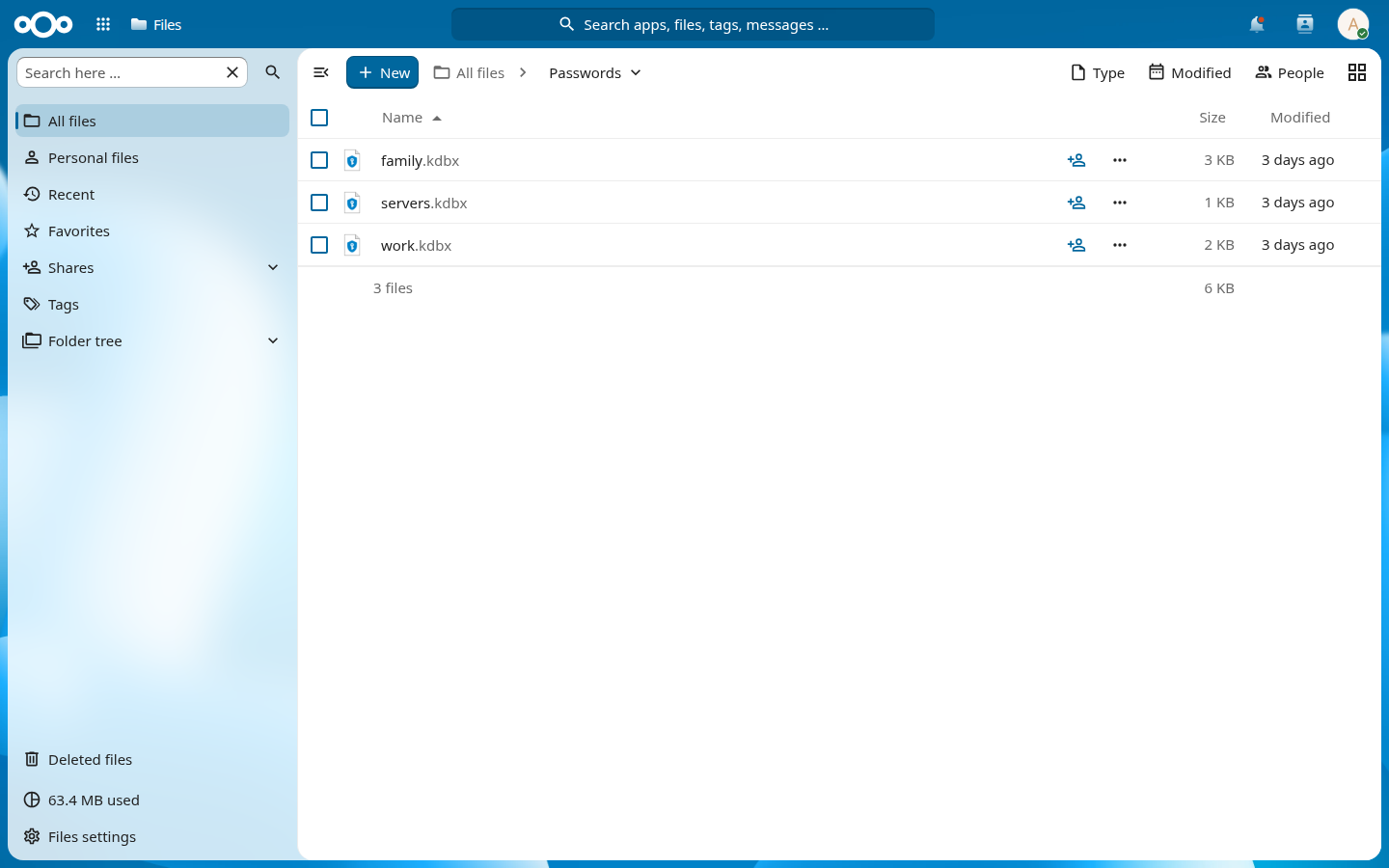
Open and edit .kdbx files from the Files app. They are decrypted in your browser; the server stores and serves the encrypted file and nothing else.
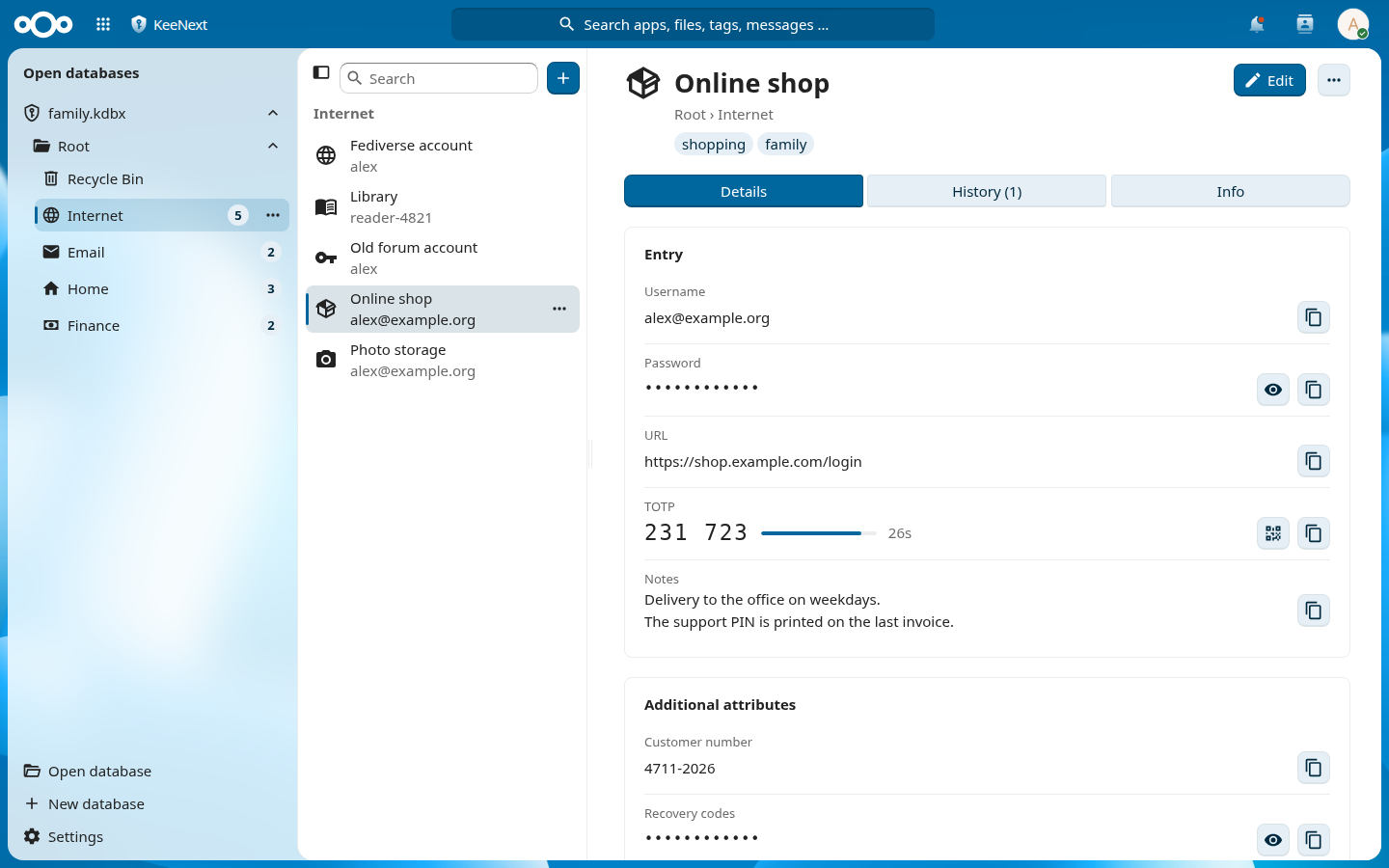
The server never sees your passwords
KeeNext is an app inside your own Nextcloud. There is no account and no service of ours in between.
Your browser
- You type the master password here
- Decrypts and edits the database
- Saves the encrypted file again
Your Nextcloud
- Stores and serves the
.kdbxfile - Never receives the master password, key files or contents
- Its file versions keep earlier states of the file
Changes made elsewhere, for example with KeePassXC through the desktop client, are merged into the open database instead of overwriting it.
What it does
Made for people who already use KeePass and keep their databases in Nextcloud.
Opens like any file
Click a .kdbx in the Files app, or create one from the “New” menu. Recently opened databases remember their key file.
Works with your databases
KDBX 3.1 and 4.x, Argon2d/Argon2id and AES-KDF, AES-256, ChaCha20 and Twofish, password and/or key file. Tested against files written by KeePassXC, and files saved here open in KeePassXC.
Merges, never overwrites
Edits from the desktop client or another tab are detected and merged, so a sync does not silently replace your work.
Entries in detail
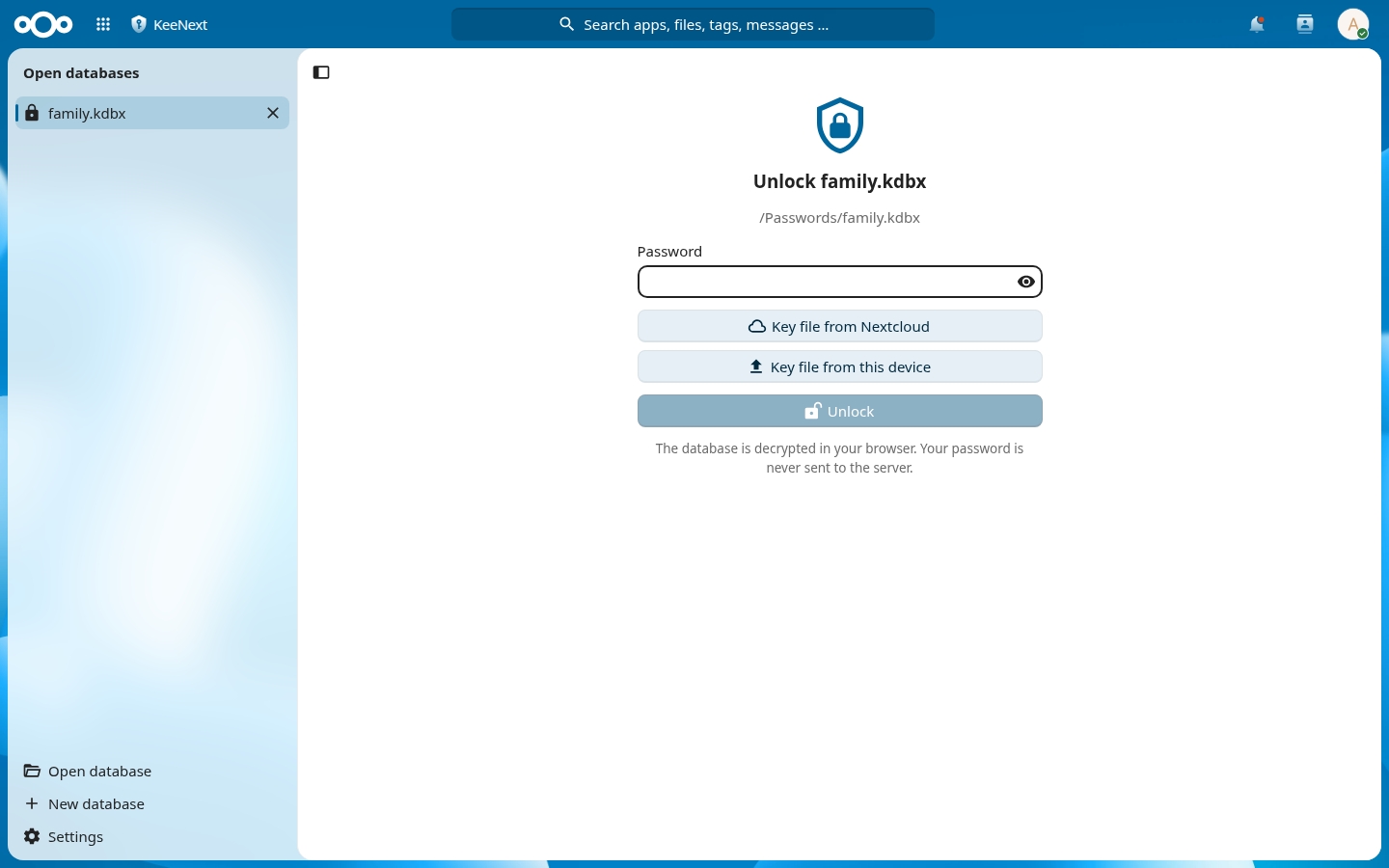
Groups, tags, attachments, history with restore, one-time codes with QR codes, and search with KeePassXC syntax.
Password health
Finds weak, reused and expiring passwords. An optional breach check sends only 5-character hash prefixes.
Import and export
Import CSV (KeePassXC, Bitwarden, browsers), Bitwarden JSON, KeePass XML and other databases. Export as KeePass XML or CSV.
Generator
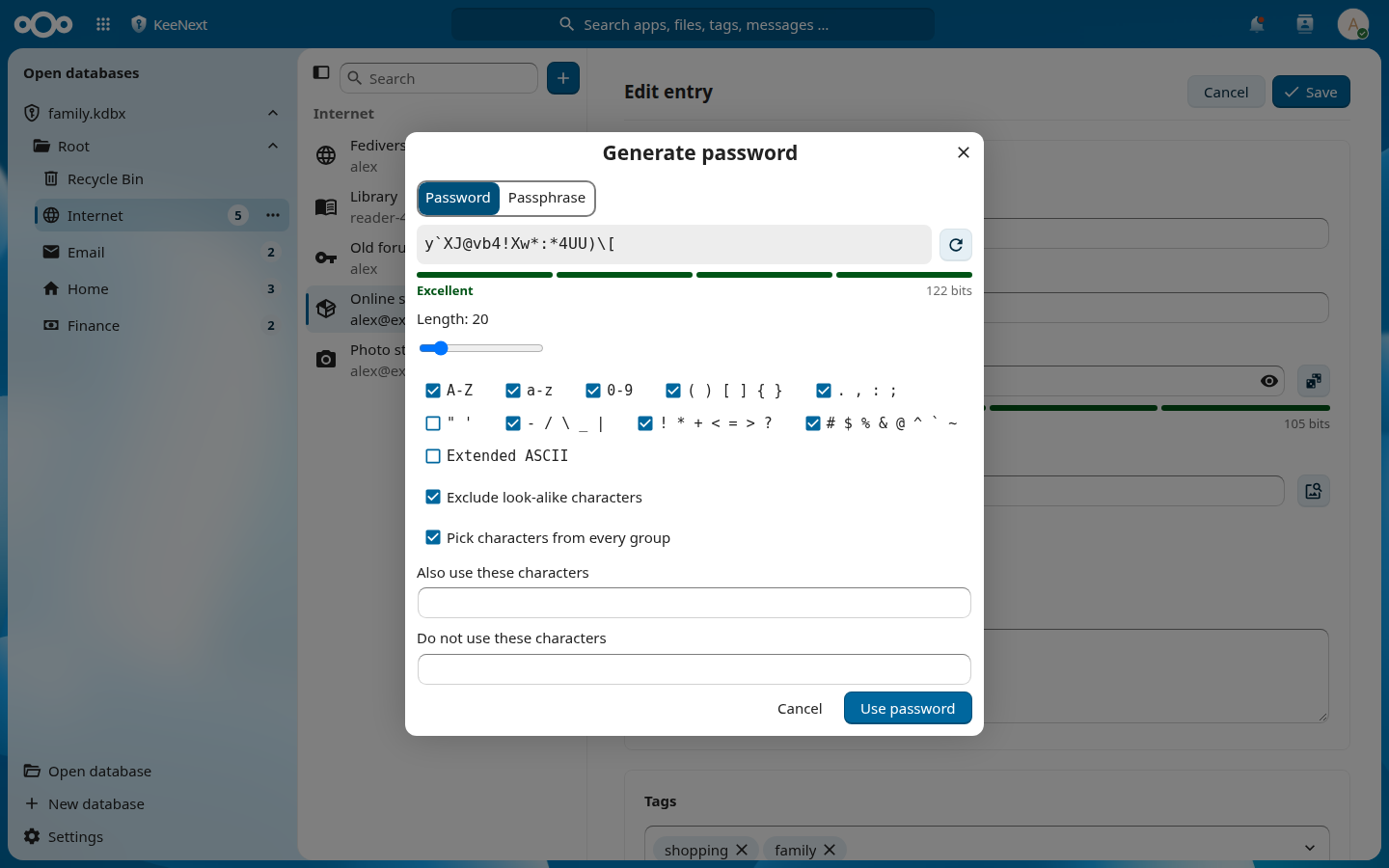
Character groups as in KeePassXC, plus passphrases from the EFF word list.
Locks itself
Can lock after inactivity or when the tab is hidden, clears the clipboard after a delay, and opens read-only shares read-only.
A look around
The app is built from Nextcloud's own interface components.
What it does not do
KeePassXC is a desktop program and does more. The full comparison is in the feature list.
A web page cannot do this
- Auto-Type into other programs
- Browser integration (KeePassXC-Browser)
- SSH agent
- YubiKey challenge-response — browsers block the YubiKey OTP interface, so databases protected this way cannot be opened
Not there yet
- Public link shares
- Regular expressions in search
- Uploading custom icons
- HTML export
- Camera scanning for one-time codes
- Import from 1Password and KeePass 1 (
.kdb)
Privacy and trust
Nothing about your databases is sent to third parties.
Two features you start yourself reach other servers
- The breach check in the health report sends the first 5 characters of each password's SHA-1 hash from your browser to
api.pwnedpasswords.com. The passwords themselves never leave the browser. - Downloading an entry's favicon makes your Nextcloud server request the icon from that entry's website.
Check it yourself
- The app is AGPL-3.0-or-later. The KDBX library is a separate MIT-licensed package, @keenext/kdbxweb.
- It has not been independently audited. Please report vulnerabilities privately.
Try it
KeeNext is not in the Nextcloud App Store yet. It needs Nextcloud 33 to 35 and PHP 8.2 or newer. To try it today, run it against a disposable Nextcloud on your own machine (Node 24, PHP 8.2+, Composer and Docker):
git clone https://github.com/keenext/keenext.git
cd keenext
npm ci
composer install
npm run build
docker compose up -d    # Nextcloud on http://localhost:8091, admin / admin
The compose file mounts the checkout as an app and copies test databases (password test) into the admin's KeePass folder. Do not point an alpha version at the only copy of a real database.